General

How to register for the User Academy?
You will need to create a new account by providing your email address, setting a password, and agreeing to the Terms of Use and Privacy Policy. There may also be a step to verify your email address via an OTP.
Do I need to be a ManageEngine customer to register?
While the courses are designed to help customers, the academy is generally open to everyone looking to gain expertise in ManageEngine solutions. Though courses are primarily designed for ManageEngine customers, IT professionals, administrators, engineers, and users who want to deepen their practical, real-world expertise in ManageEngine products and related IT domains.
Are the courses available on-demand?
Yes. You can build expertise at your own pace with on-demand courses that you can start, pause, and revisit anytime as your schedule allows.
Are there any costs associated with the courses available in the User Academy?
No, all courses in the ManageEngine User Academy are absolutely free. The platform is designed to provide product education at no charge.
Do I receive a certificate or badge upon completing a course?
Yes. Upon successful completion of courses and learning paths, you can earn verifiable digital badges (often through platforms like Credly) to showcase your ManageEngine expertise to the world.
Digital Badges
What is a digital badge?
A digital badge is a portable online data object which represents an outcome or achievement. They are secure, web-enabled credentials that contain granular, verified information employers can use to evaluate an individual's potential. ManageEngine digital badges are defined by an open technology standard (OBv2) and common language for describing and validating what each ManageEngine digital credential represents.
How does my credential get displayed as a digital badge?
ManageEngine has partnered with Credly to leverage their platform to translate your learning outcomes or experiences into the digital badges. This allows the badge earner (you) to accept, manage and share your digital badge and the credentials it represents as a digital asset.
What is Credly (formerly Acclaim)?
Credly is a digital badging platform (formerly known as Credly's Acclaim platform). Its focal point is an enterprise-class badging platform built in compliance with the IMS Global Learning Consortium Open Badge Specifications to support the specialized needs of credential issuers, employers, and professionals. The Credly web platform provides a secure means of storage, transport and credential publishing that adds a layer of protection against those who may falsely claim high-stakes credentials.
Is there a cost associated with claiming and displaying my ManageEngine digital badge?
Accepting, storing, managing and sharing ManageEngine digital badges is free for ManageEngine digital badge earners.
Where can I find more information about Credly?
Visit the Credly support web site at support.credly.com for additional details.
Will my personal information (PI) shared with Credly?
NOTICE: ManageEngine leverages the services of Credly, a 3rd party data processor authorized by ManageEngine and located in the United States, to assist in the administration of the ManageEngine Digital Badges. In order to issue you an ManageEngine Digital Badge, your personal information (name, email address, and badge earned) will be shared with Credly. You will receive an email notification from Credly with instructions for claiming the badge. Your personal information is used to issue your badge and for program reporting and operational purposes.
Can I easily share digital badges on social and professional media?
You can share your ManageEngine digital badge on popular social and professional networking sites, emails or personal web sites. The visual representation of your ManageEngine digital badge will also allow your contacts to verify the credentials that you have achieved. It is a quick and easy way to share your achievements with your contacts.
Every credential and profile on Credly has a unique URL that can be embedded on a resume or website. Credly also offers seamless integration with several popular social and professional networking platforms for the display of credentials as badges.
How do I share my ManageEngine digital badge on LinkedIn?
Follow Credly's step-by-step instructions to add your badge to your LinkedIn profile:
https://support.credly.com/hc/en-us/articles/360021221491-How-can-I-add-my-badge-to-my-LinkedIn-profile-and-share-to-my-feed
https://support.credly.com/hc/en-us/articles/360021221491-How-can-I-add-my-badge-to-my-LinkedIn-profile-and-share-to-my-feed
What if I do not want my ManageEngine digital badge to be public?
You are in total control of how and when your ManageEngine digital badge is shared. All information regarding you and your credentials can be configured within the profile you set up in the Credly system. If you do not want your digital badge or your profile to be visible to the public, you can make them private. In fact, you may simply discard the digital badge notification email if you do not wish to claim your earned ManageEngine digital badge.
How do I prevent someone from copying and using my ManageEngine digital badge?
While digital badges are simply digital image files, they are uniquely linked to data hosted on the Credly platform along with the issuing details provided by ManageEngine. This linkage to the verified data makes them that much more reliable and secure than a traditional paper-based credential.
Can I export badges issued through Credly to other digital badging platforms?
Yes. Your downloaded badge contains Open Badge Specification-compliant metadata embedded into the image. This allows you to store your badge on other OBS-compliant badge sites, such as the Mozilla backpack.
Courses
What kinds of courses and learning paths are available?
Courses are typically organized into:
- Learning Paths: Curated sequences of courses to help you master a specific product or domain.
- Courses by Product: Focused training on individual ManageEngine products.
- Courses by Role/Theme: Training tailored to specific job roles or IT focus areas (e.g., IAM Specialist, SIEM).
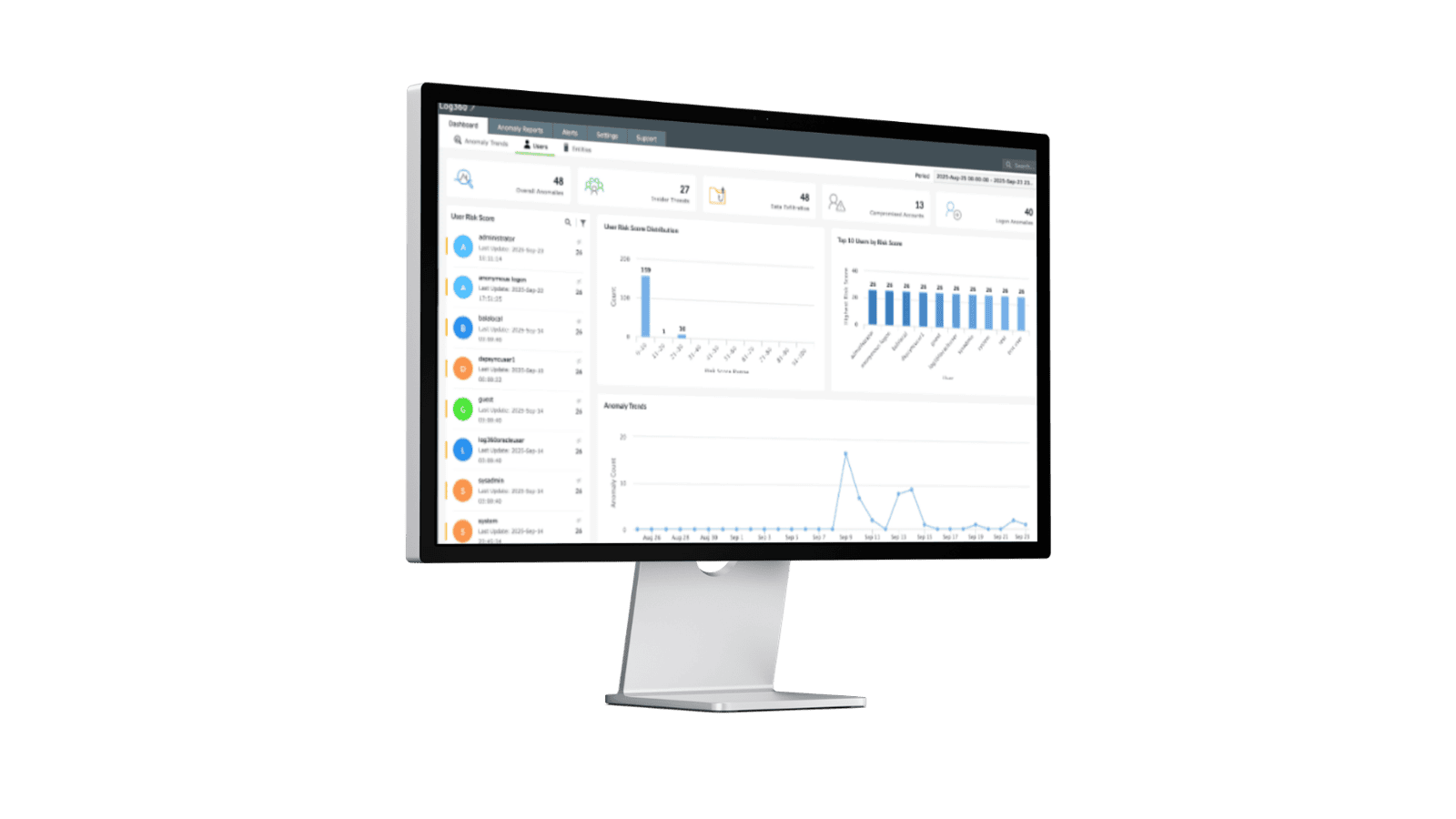
- Starter Kits: Foundational courses to jumpstart your learning.
How long does it take to complete a course or learning path?
Course durations vary greatly. The time required depends on the complexity of the topic. As the courses are on-demand, you can progress at your own pace. The total estimated duration is usually listed on the course description page.
Who should I contact if I have a question about a course's content?
For questions about the academy platform itself, please contact: user-education@manageengine.com
Platform

What are the system requirements to access the courses?
You will need a device (desktop, laptop, or mobile) with a reliable internet connection and a modern web browser(like Chrome, Firefox, Edge, or Safari) to access the academy platform and course materials, including video lessons.
I forgot my login credentials. How can I reset my password?
You can usually reset your password by clicking the "Forgot Password" link on the login page. An email with instructions or a temporary one-time password (OTP) will be sent to your registered email address.
Need additional help? Please reach out to user-education@manageengine.com